

Block Craft 3D:Building Game
◀
▶
Country
US
Release Date
2016-08-24 00:00:00
Price
Free
File Size
Varies with device
Game Overview
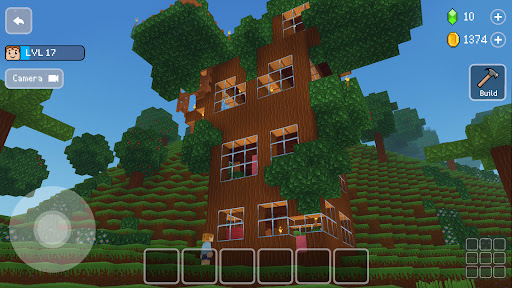
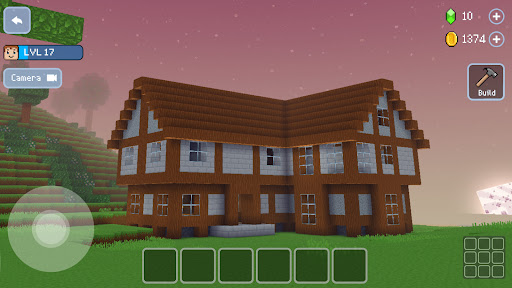
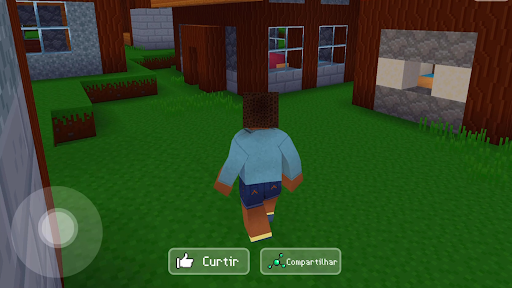
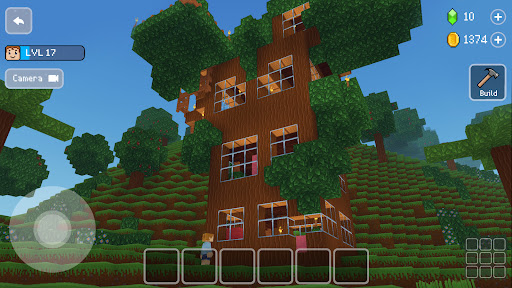
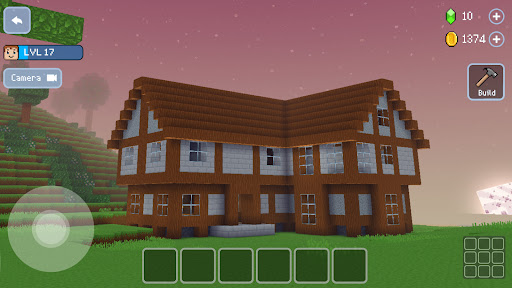
Block Craft 3D: Building Game is a sandbox construction and city-building simulation that allows players to design and expand their own virtual world using block-based mechanics. Focused on creativity and exploration, the game lets you build houses, landmarks, and entire cities while interacting with a growing community. With its accessible design and rewarding progression system, it appeals to players who enjoy creative building, casual simulation, and long-term world development.What Makes Block Craft 3D Stand Out
Creative Building Freedom
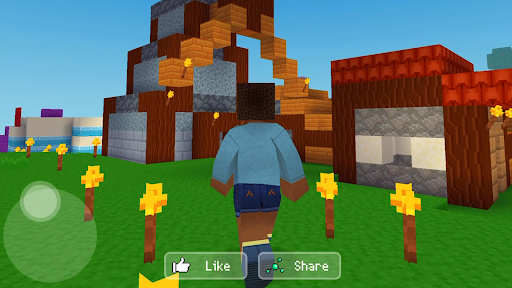
Players can construct anything from simple homes to complex city layouts using a wide variety of blocks and structures.
City Development System
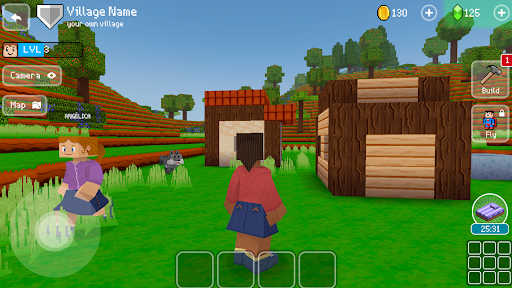
As you build more structures, your town grows and attracts citizens, unlocking new buildings and expanding gameplay possibilities.
Simple and Accessible Controls
The intuitive interface makes it easy for beginners to start building while still offering depth for more experienced players.
Exploration and Inspiration
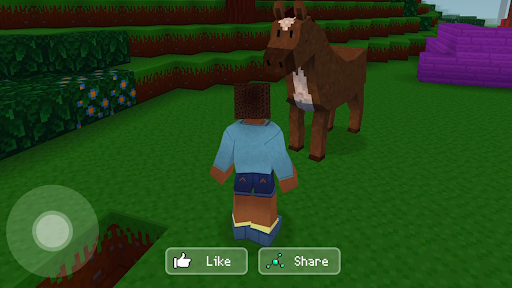
Visit other player-created cities to gain inspiration and discover new building ideas.
Overall Impression
Block Craft 3D delivers a satisfying blend of creativity and progression. It is ideal for players who enjoy sandbox building games with a structured yet flexible approach to city creation.
Quick Start Guide
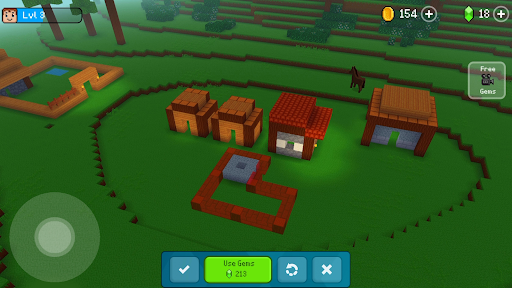
Step 1: Start Your WorldLaunch the game and begin with a basic plot of land where you can start building your first structures.
Step 2: Choose a Building Project
Select from available building options such as houses, shops, or decorative elements to begin construction.
Step 3: Learn the Controls
Controls are straightforward:
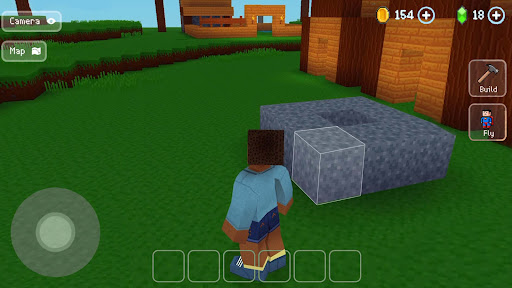
Mobile: tap and drag to place and rotate blocks
Use on-screen buttons to select and confirm builds
Step 4: Build and Expand
Place blocks and complete structures to grow your town and unlock new content.
Step 5: Earn Resources and Rewards
Completing buildings and attracting residents will generate income and unlock additional features.
Step 6: Visit Other Cities
Explore other player-created worlds for inspiration and new design ideas.
Step 7: Customize and Upgrade
Continue expanding your city, unlock advanced buildings, and refine your designs to create a unique virtual world.
Recommended Games

Magic Tiles 3™ - Piano Game
4.6

School Party Craft
4.5

Garten of Banban 2
4.0

Cat From Hell - Cat Simulator
4.3
Hole.io
3.2

Minecraft: Dream it, Build it!
4.4

Five Nights at Freddy's
4.7

Fortnite
3.8

Grand Theft Auto: San Andreas
4.3

Gangster City: Mafia Crime
3.4

Geometry Dash Lite
4.4

Build A Queen
4.3

Avatar World ®
4.7

Poppy Playtime Chapter 2
4.0

Dude Theft Wars FPS Open world
4.3

Toca Boca World x Hello Kitty
4.3

Clash Royale
4.5

Poppy Playtime Chapter 1
4.4

Spider Fighter 3: Action Game
4.6

Geometry Dash
4.8